
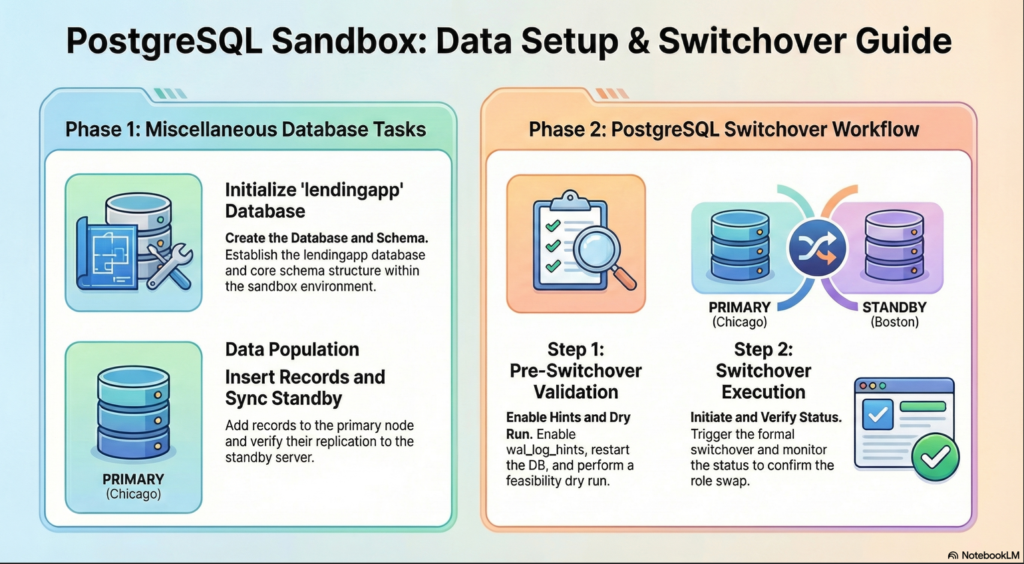
Miscellaneous: Check for Sync in standby
In Chicago(primary) server as postgres user :
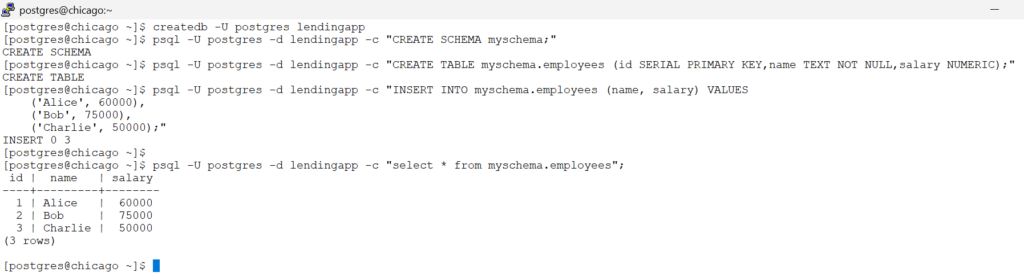
Create a Database , a table and insert set of records
# create a database called lendingapp
createdb -U postgres lendingapp

# create a schema called myschema
psql -U postgres -d lendingapp -c "CREATE SCHEMA myschema;"

# create a table called employees
psql -U postgres -d lendingapp -c "CREATE TABLE myschema.employees (id SERIAL PRIMARY KEY,name TEXT NOT NULL,salary NUMERIC);"

# insert few sample records
psql -U postgres -d lendingapp -c "INSERT INTO myschema.employees (name, salary) VALUES
    ('Alice', 60000),
    ('Bob', 75000),
    ('Charlie', 50000);"

# check for the records in the table
psql -U postgres -d lendingapp -c "select * from myschema.employees";screenshot
In Boston(standby) server as postgres user
# check for the records in the table
psql -U postgres -d lendingapp -c "select * from myschema.employees";You should be seeing the same records from Primary (chicago) is being shipped and applied at the Standby(boston) server.
8.1. Preparing for switchover
we will follow the steps as per preparing-for-switchover
Docs to read for pg_rewind , pg_rewind_in_repmgr
On both Primary & Standby (chicago & boston) host as postgres user:
repmgr -f /etc/repmgr/16/onboarding_repmgr.conf  node service --list-actions --action=stop
repmgr -f /etc/repmgr/16/onboarding_repmgr.conf  node service --list-actions --action=start
repmgr -f /etc/repmgr/16/onboarding_repmgr.conf  node service --list-actions --action=restart
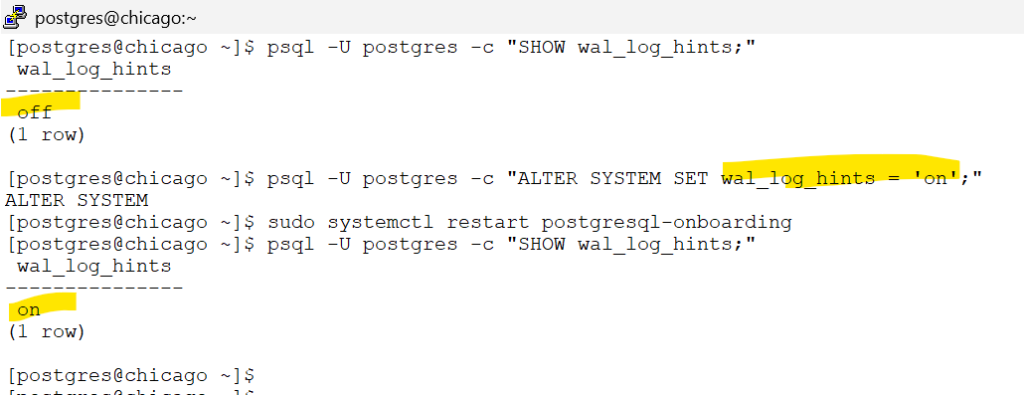
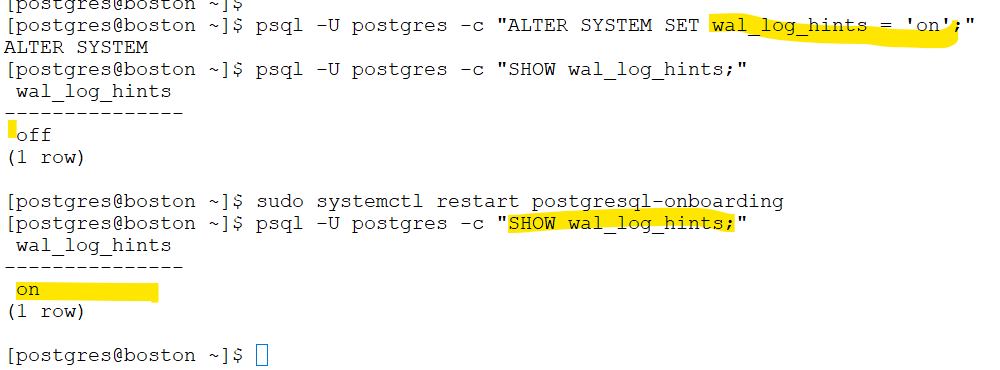
psql -U postgres -c "SHOW wal_log_hints;"

psql -U postgres -c "ALTER SYSTEM SET wal_log_hints = 'on';"

sudo systemctl restart postgresql-onboarding

psql -U postgres -c "SHOW wal_log_hints;"screenshot
chicago – screenshot
boston – screenshot
On Standby (boston) as postgres user – dry run to check if standby is ready for switchover
repmgr standby switchover -f /etc/repmgr/16/onboarding_repmgr.conf --dry-run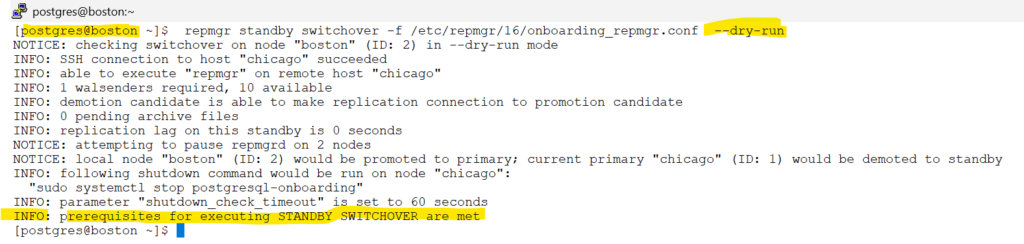
8.2. Executing the switchover command
we will follow the steps as per Executing the switchover command
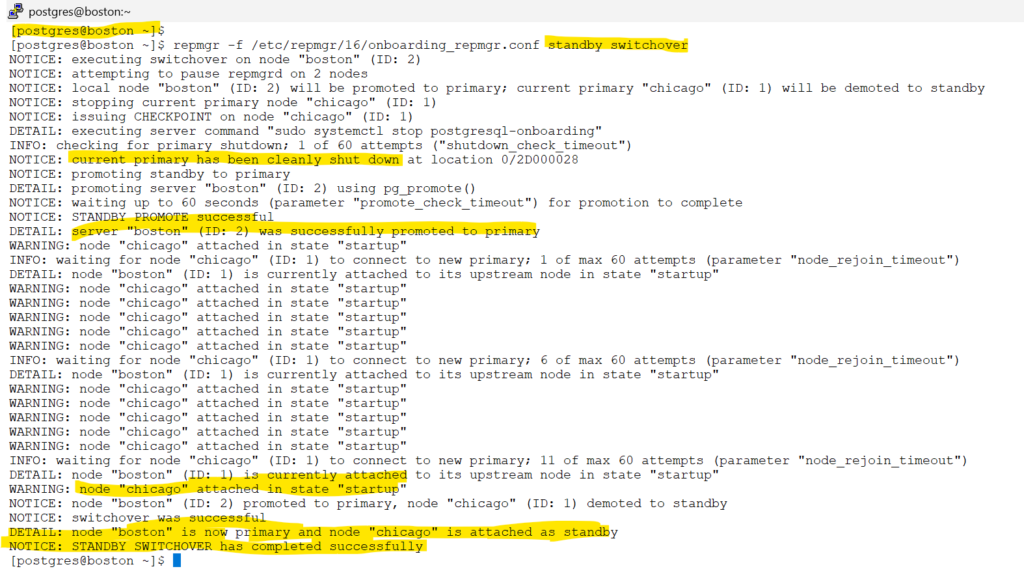
In Standby (boston) host as postgres user :
repmgr -f /etc/repmgr/16/onboarding_repmgr.conf standby switchoverscreenshot
repmgr -f /etc/repmgr/16/onboarding_repmgr.conf cluster showscreenshot

Congratulations on the switchover test ,
now the primary is boston and standby is chicago
For the below topics, read the official documentation
8.3. Caveats
8.4. Troubleshooting switchover issues