Hands on – only for section 4.5 and 4.6 are available in this tutorial.
4.5. Log settings
In this course, lab steps are provided for the sections below.
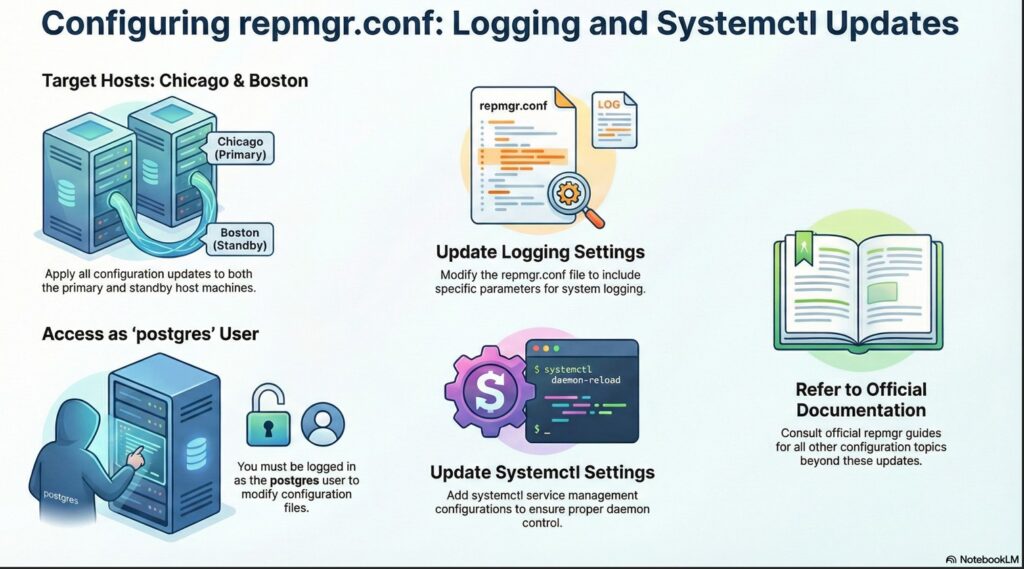
lets follow the steps as per 4.5. Log settings
execute the below command to update the repmgr.conf file to include logging settings.
on both chicago and boston host as postgres user.
# update the repmgr.conf file
cat << 'EOF' >> /etc/repmgr/16/onboarding_repmgr.conf
#----------
# Logging settings
# https://www.repmgr.org/docs/5.4/configuration-file-log-settings.html
#----------
log_level='INFO'
log_facility='STDERR'
log_file='/var/log/repmgr/repmgr.log'
log_status_interval=300
#----------
EOF

# Verify the contents of the repmgr.conf
cat /etc/repmgr/16/onboarding_repmgr.conf
4.6. Service command settings
lets follow the steps as per 4.6. Service command settings
4.6.1 Update the repmgr.conf file
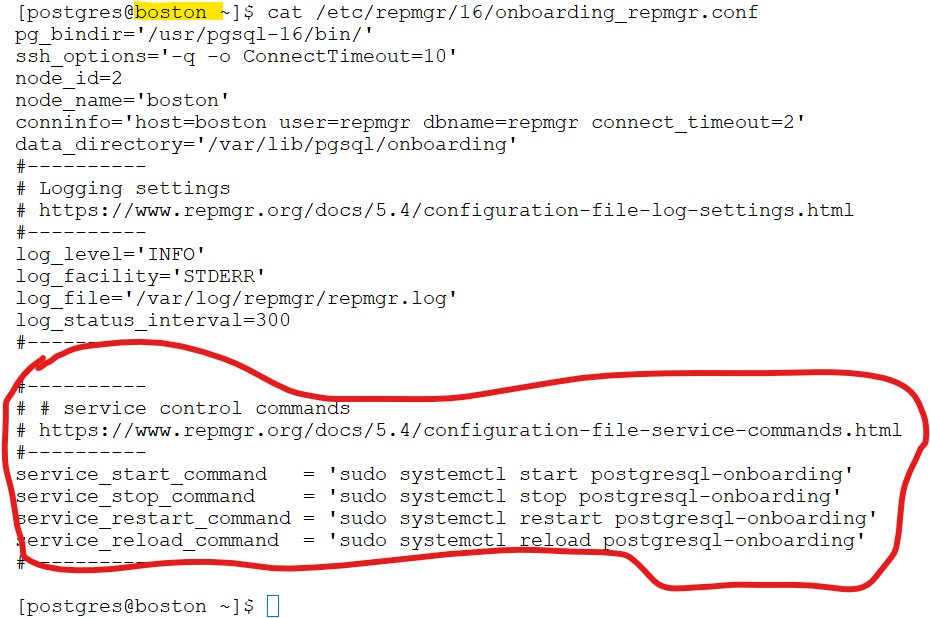
execute the below command to update the repmgr.conf file to include systemctl settings.
on both chicago and boston host as postgres user.
# update the repmgr.conf file
cat << 'EOF' >> /etc/repmgr/16/onboarding_repmgr.conf
#----------
# service control commands
# https://www.repmgr.org/docs/5.4/configuration-file-service-commands.html
#----------
service_start_command   = 'sudo systemctl start postgresql-onboarding'
service_stop_command    = 'sudo systemctl stop postgresql-onboarding'
service_restart_command = 'sudo systemctl restart postgresql-onboarding'
service_reload_command  = 'sudo systemctl reload postgresql-onboarding'
#----------
EOF

# Verify the contents of the repmgr.conf
cat /etc/repmgr/16/onboarding_repmgr.confscreenshot
on both chicago and boston host as postgres user.
4.6.2 Update the sudoers file
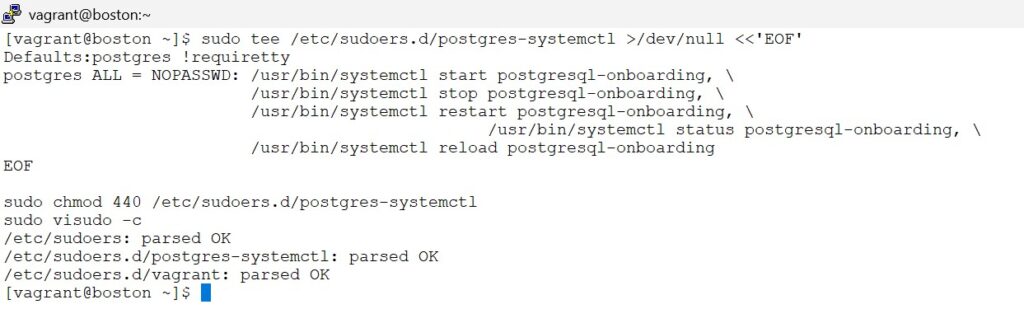
on both chicago and boston host as vagrant user.
sudo tee /etc/sudoers.d/postgres-systemctl >/dev/null <<'EOF'
Defaults:postgres !requiretty
postgres ALL = NOPASSWD: /usr/bin/systemctl start postgresql-onboarding, \
                         /usr/bin/systemctl stop postgresql-onboarding, \
                         /usr/bin/systemctl restart postgresql-onboarding, \
						 /usr/bin/systemctl status postgresql-onboarding, \
                         /usr/bin/systemctl reload postgresql-onboarding
EOF

sudo chmod 440 /etc/sudoers.d/postgres-systemctl
sudo visudo -cscreenshot
on both chicago and boston as vagrant user
4.6.3 copy sudoers file to Boston server – as vagrant user
# On Boston, as vagrant:
scp vagrant@chicago:/etc/systemd/system/postgresql-onboarding.service /tmp/
sudo mv /tmp/postgresql-onboarding.service /etc/systemd/system/
sudo chmod 644 /etc/systemd/system/postgresql-onboarding.service
sudo systemctl daemon-reloadonly on boston as vagrant user

For the remaining sections, please refer to the official documentation for detailed explanations.
4.1. Prerequisites for configuration
4.2. Configuration file
4.3. Required configuration file settings
4.4. Optional configuration file settings
4.7. repmgr database user permissions
4.8. Password Management
In this course, we use a superuser (repmgr) with full (god-mode) privileges.
This is not considered best practice in production environments, but to keep the concepts and documentation simple, we will continue using a superuser throughout this tutorial.
Least-privilege configurations will be covered in the advanced topics / another tutorial.