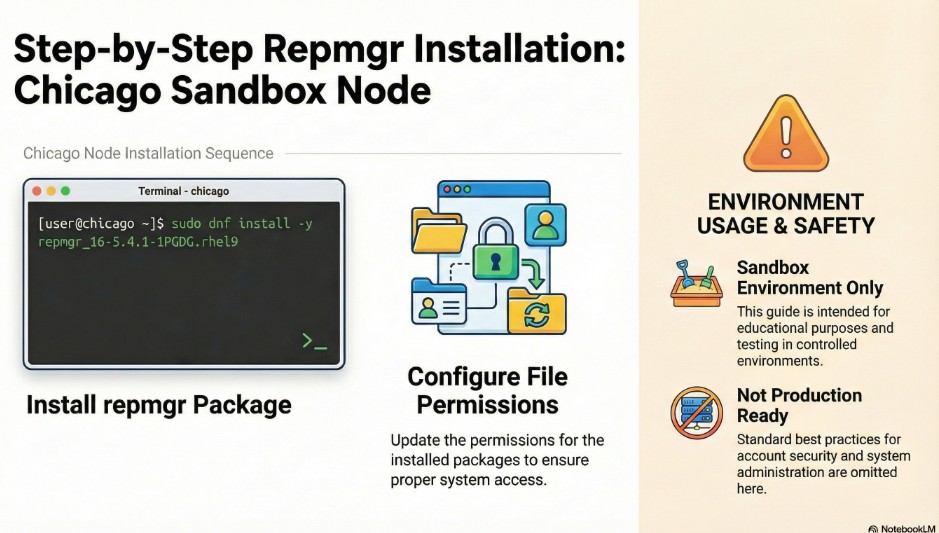
2.2.1. RedHat/CentOS/Fedora – repmgr Installation
we will follow the steps from official link : https://www.repmgr.org/docs/5.4/installation-packages.html
Since we are using Oracle Enterprise Linux (OEL) in our sandboxes , we will follow the step 2.2.1. RedHat/CentOS/Fedora
Install repmgr on both primary and standby server as vagrant user
——both : chicago and boston servers
Bash
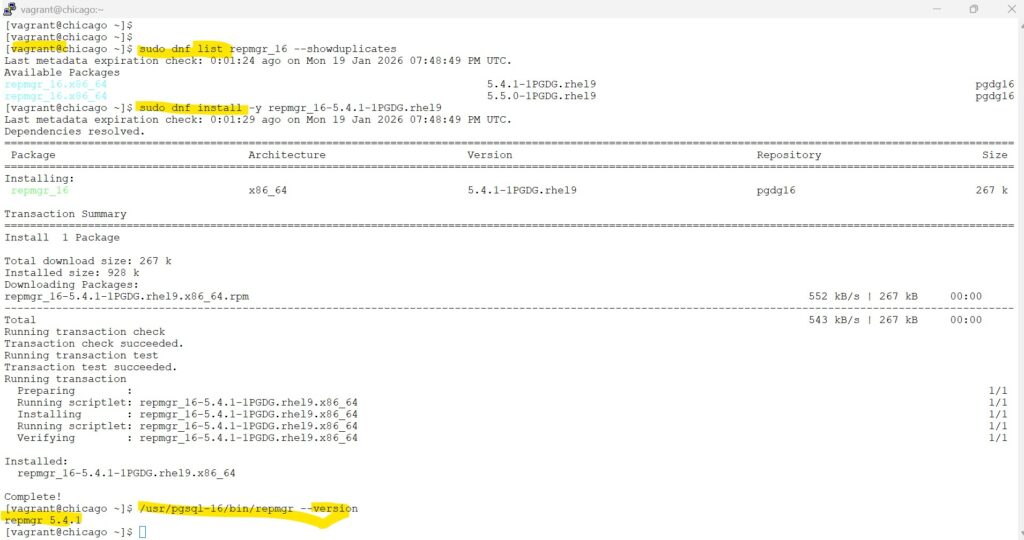
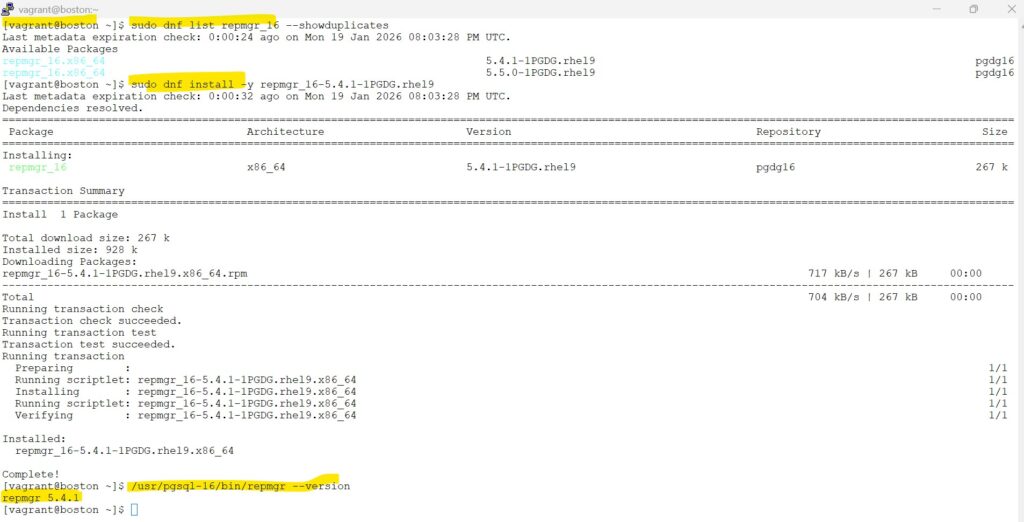
#displays all available versions of the package
sudo dnf list repmgr_16 --showduplicates

#install the specific version - in our lab we will install : 5.4.1
sudo dnf install -y repmgr_16-5.4.1-1PGDG.rhel9

#validation check
/usr/pgsql-16/bin/repmgr --version screenshot
2.2.2 change permission and ownership
“We set strict ownership and permissions to ensure the postgres user has full control over its configuration while preventing other system users from accessing sensitive connection strings and credentials.”
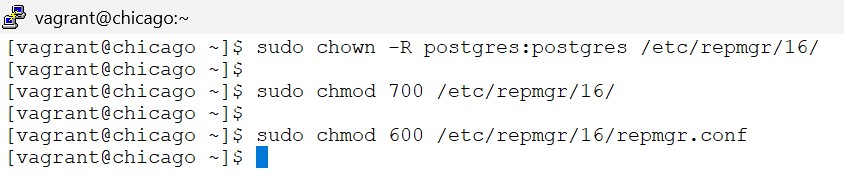
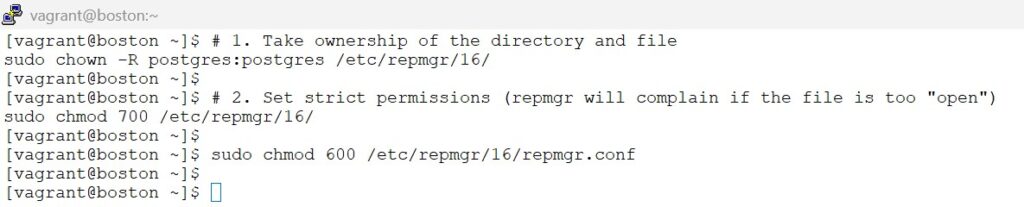
on both chicago and boston server:
Bash
# 1. Take ownership of the directory and file
sudo chown -R postgres:postgres /etc/repmgr/16/

# 2. Set strict permissions (repmgr will complain if the file is too "open")
sudo chmod 700 /etc/repmgr/16/
sudo chmod 600 /etc/repmgr/16/repmgr.confscreenshot